
SequelPG
A lightweight PostgreSQL GUI for macOS — open source and built for speed.
- Native macOS interface
- SQL editor with syntax highlighting and autocompletion
- SSH tunnel support for secure remote connections
- Native Table grid with column sorting and inline editing
Why SequelPG
Native macOS Experience
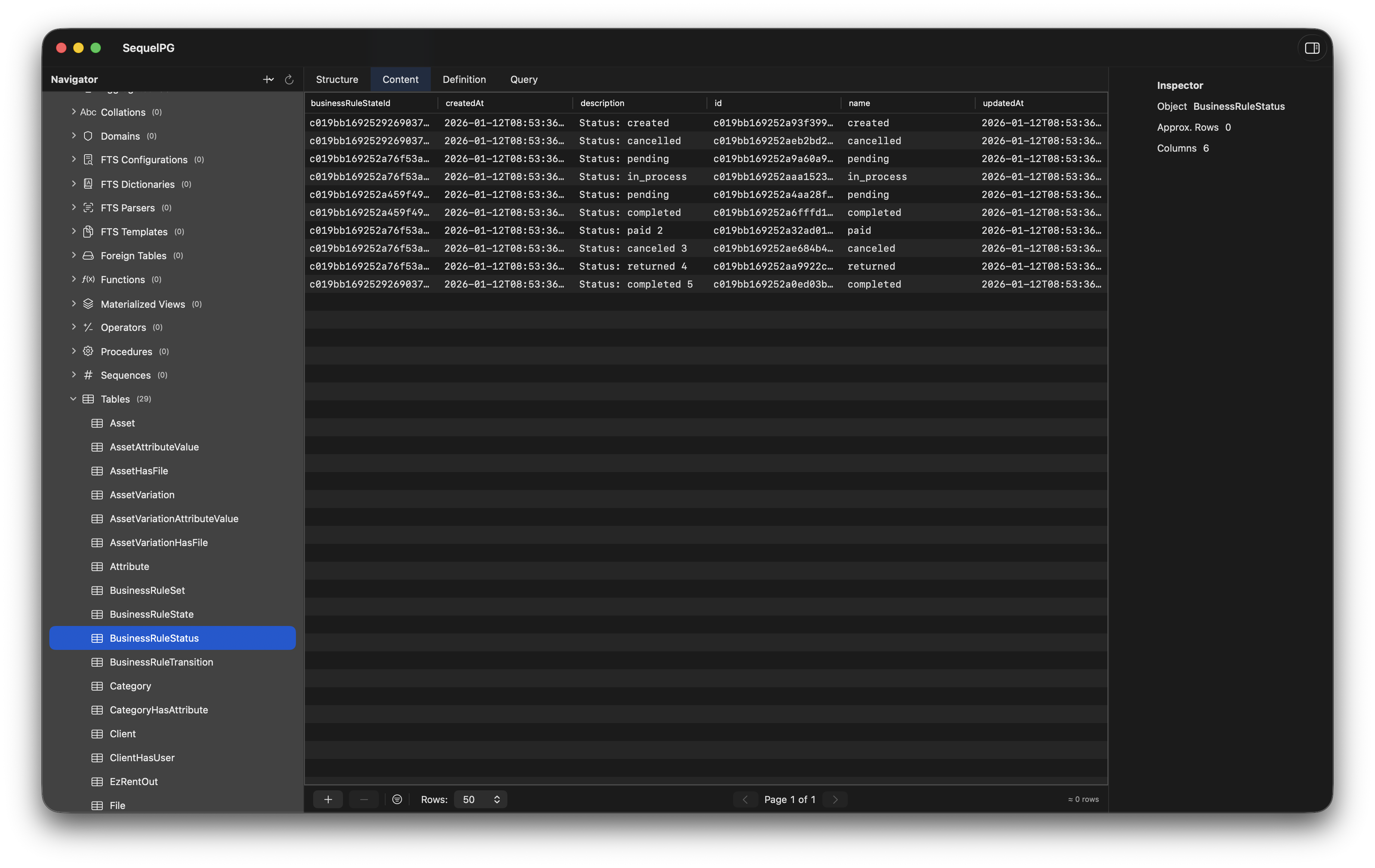
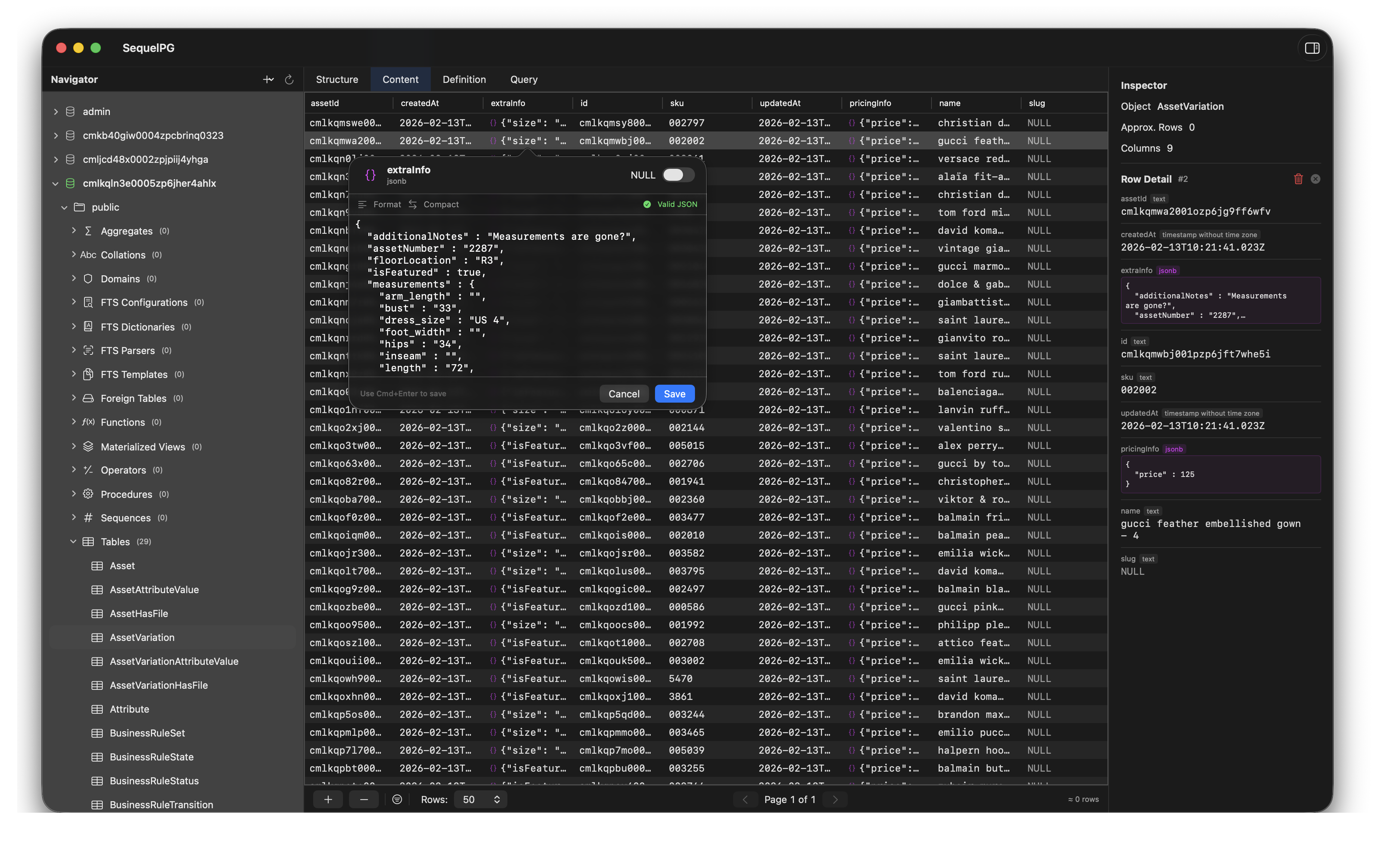
Built with SwiftUI and @Observable for macOS 14+. Native Table grid with column sorting, sidebar navigation, and per-property tracking for buttery smooth performance.
Advanced SQL Editor
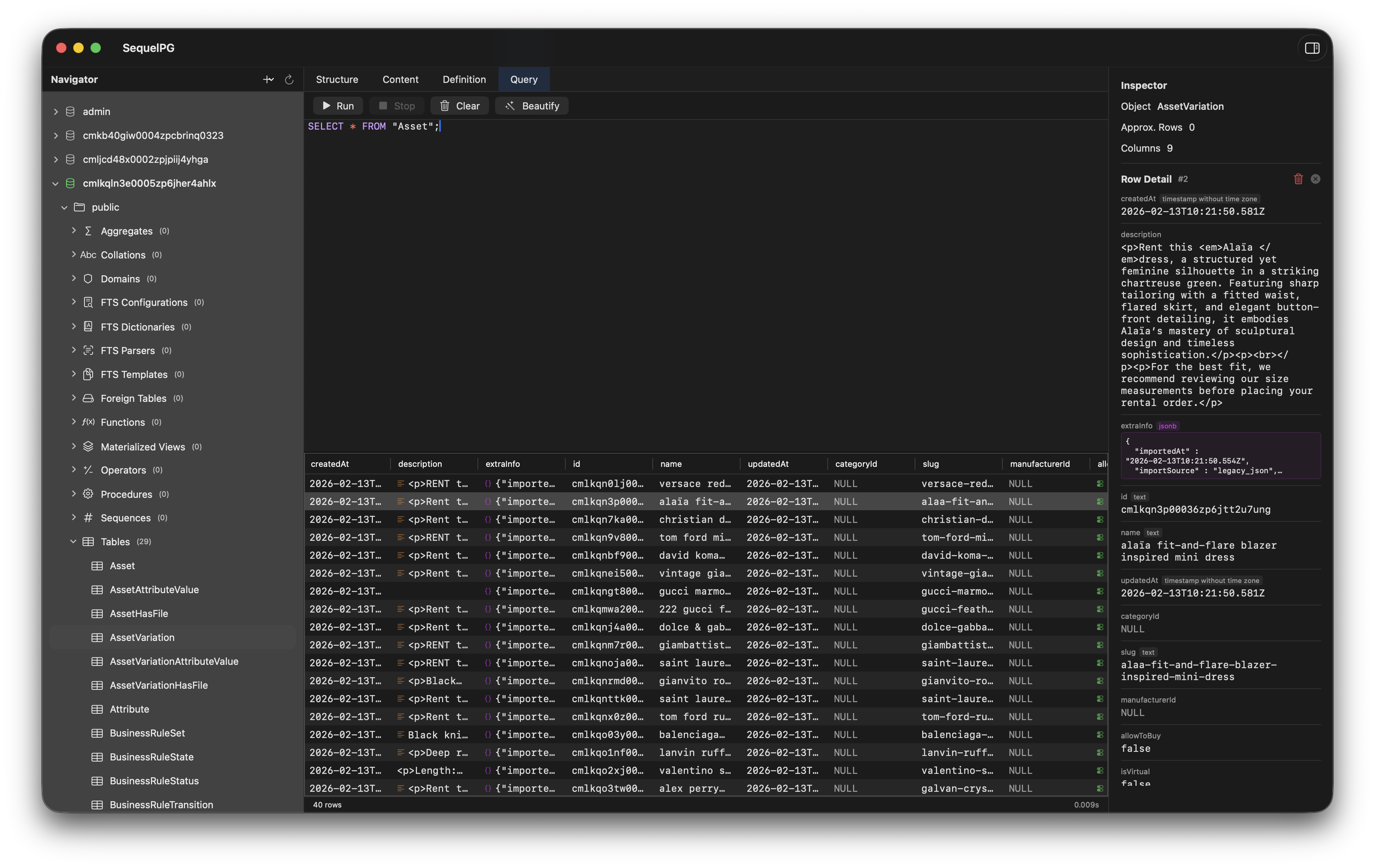
Write SQL with syntax highlighting, autocompletion from keywords and database metadata, and a built-in query formatter with Beautify support.
SSH Tunnel Support
Connect securely to remote databases through SSH tunnels with key file or password authentication. No extra tools needed.
Structured Database Navigation
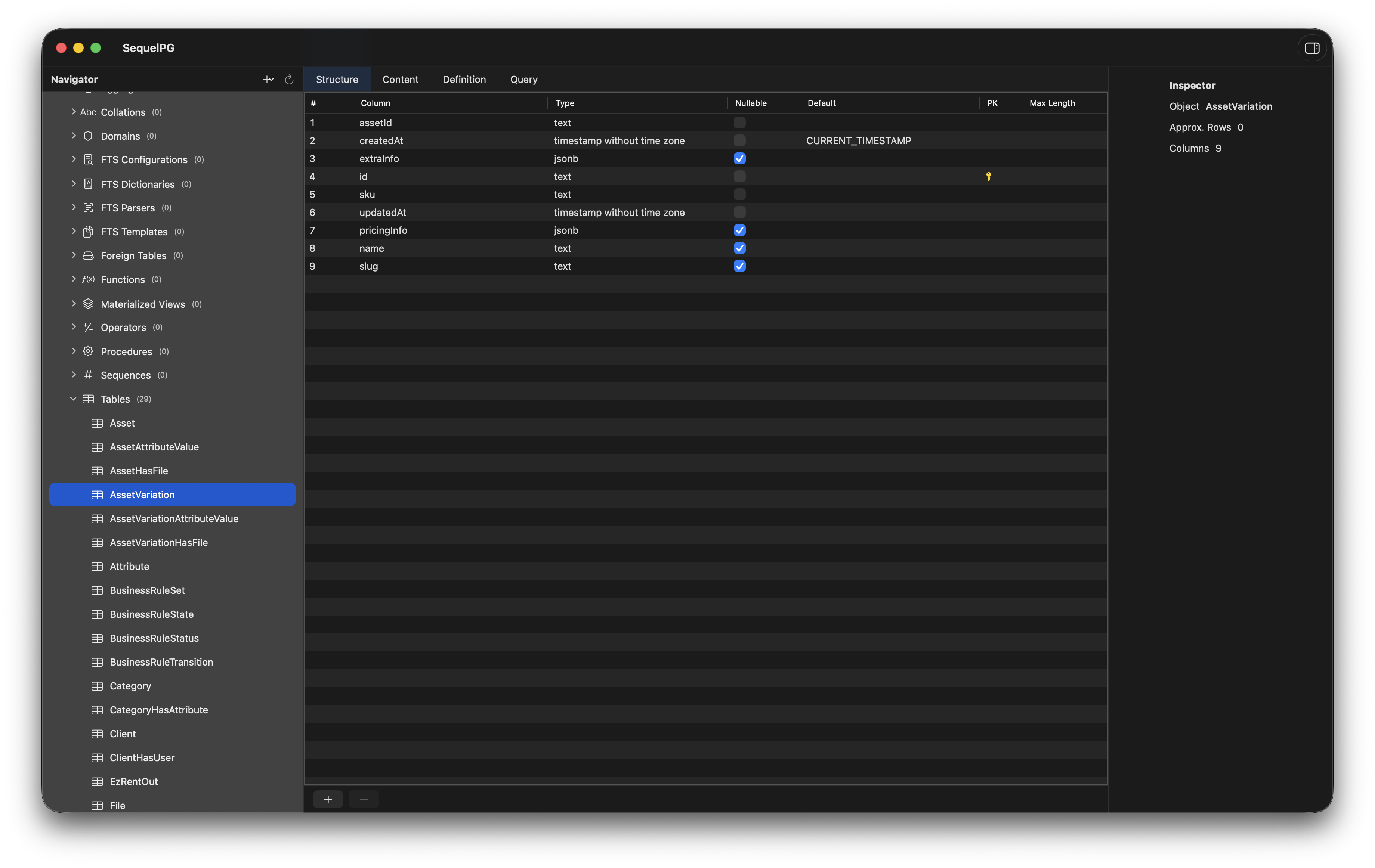
Browse schemas and tables from the sidebar. Switch between Structure, Content, and Query views with a single click.
Inspector Panel
Click any row to open a detailed inspector view with field-level data, metadata, and raw values.
Secure Credential Storage
Passwords are stored in the macOS Keychain and cached in memory, so you only authenticate once per session.
See It in Action
How It Works
Create a new connection
Browse database schemas and tables
Run SQL queries and inspect results
Frequently Asked Questions
- Is SequelPG free?
- Yes. SequelPG is open source and free to use.
- Does it support SSL?
- Yes. SequelPG supports multiple SSL modes including Disable, Allow, Prefer, Require, Verify-CA, and Verify-Full.
- Can I connect through an SSH tunnel?
- Yes. SequelPG has built-in SSH tunnel support with both key file and password authentication. Configure it directly in the connection form.
- Does the SQL editor support syntax highlighting?
- Yes. The editor highlights SQL keywords, strings, comments, numbers, and operators with adaptive colors for light and dark mode. It also provides autocompletion from SQL keywords and your database metadata.
- Is this production-ready?
- SequelPG is in active development (v0.1.7) and improving quickly with each release.
- Where do I report bugs?
- On GitHub Issues.
Get Started with SequelPG
Open source. Free forever. Built for PostgreSQL on macOS.